 By Jason Roy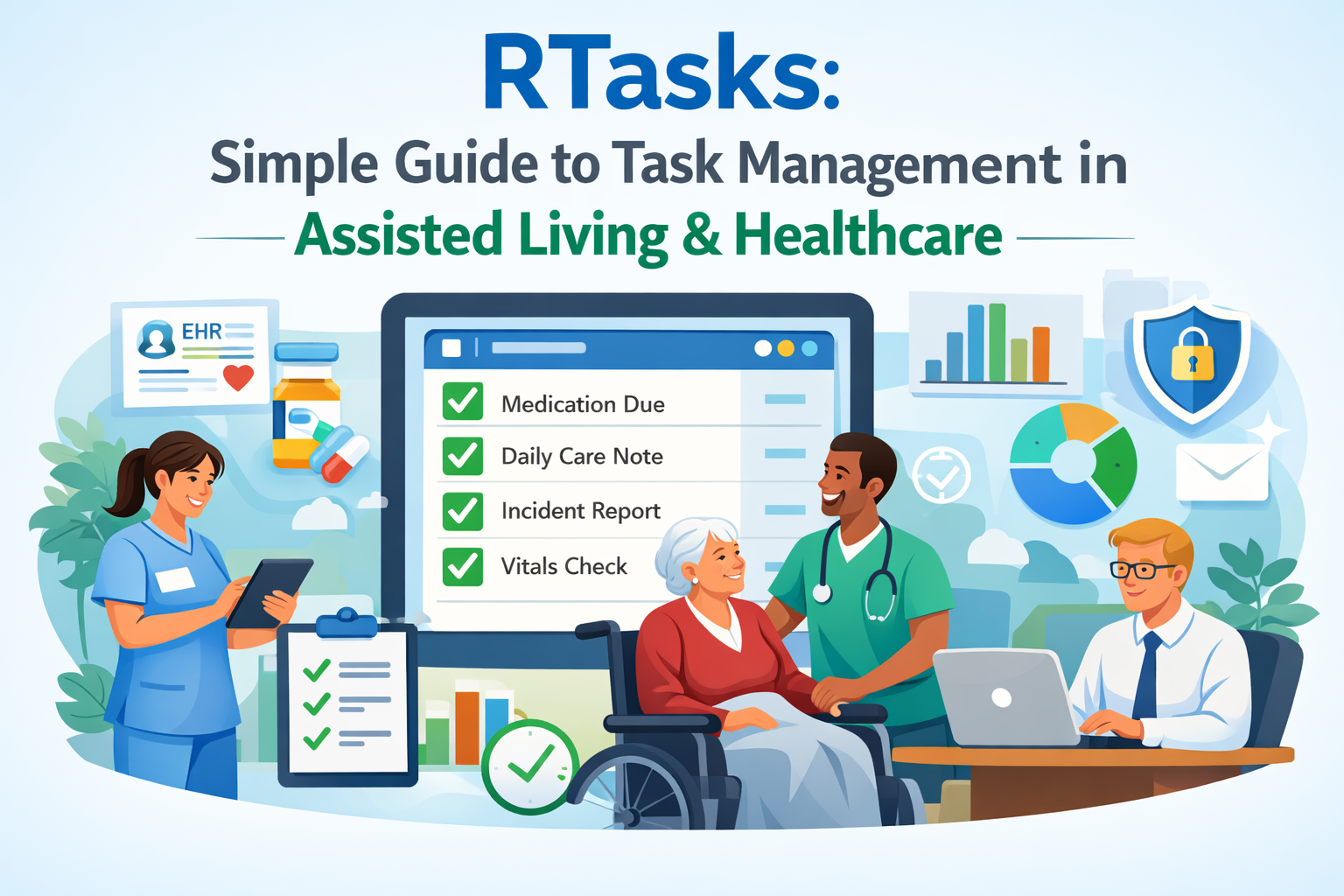
RTasks is a digital task and workflow management system mainly used in healthcare, assisted living, group homes, and long-term care facilities. It helps staff record daily care tasks, manage resident information, track incidents, and keep records in one place. The goal of RTasks is simple: reduce paperwork, improve care quality, and help teams work better together Methatreams
What Is RTasks?
RTasks is a cloud-based and mobile-friendly platform designed to manage daily care tasks and electronic records in healthcare and assisted living settings. It works like a digital checklist combined with basic electronic health records (EHR). Staff can log in, see their assigned tasks, complete them, and add notes. Managers can view reports and track performance.
Key ideas behind RTasks
-
One place for tasks, notes, and records
-
Real-time updates for staff and managers
-
Mobile access for on-the-go care
-
Support for compliance and audits
-
Simple workflows for daily operations
What RTasks is not
-
It is not a full hospital EHR system
-
It is not just a simple personal to-do app
-
It is not meant for general project management outside care settings
RTasks focuses on daily care workflows and documentation in long-term care environments.
Who Uses RTasks?
RTasks is used by many roles in care organizations. Each role benefits in different ways.
Main user groups
Caregivers and support staff
They use RTasks to see daily tasks, record care provided, and add notes.
Nurses and clinical staff
They record observations, medication-related tasks, and resident status updates.
Administrators and managers
They use dashboards and reports to monitor performance, compliance, and staffing needs.
Owners and leadership teams
They review high-level reports to improve operations and quality of care.
Common types of organizations
-
Assisted living facilities
-
Group homes
-
Home care agencies
-
Long-term care communities
-
Senior living centers
Core Features of RTasks
RTasks offers a set of features that support daily operations in care facilities. These features focus on tasks, records, reporting, and communication.
Task management and scheduling
-
Daily task lists for each staff member
-
Scheduled tasks based on shifts
-
Task status (pending, completed, missed)
-
Priority levels for urgent tasks
-
Notes and comments on tasks
Resident records and documentation
-
Basic resident profiles
-
Care notes and daily logs
-
Behavior and incident tracking
-
Health-related observations
-
File attachments and photos (where supported)
Reporting and dashboards
-
Task completion reports
-
Staff performance summaries
-
Incident and event reports
-
Compliance-related reports
-
Custom filters by date, staff, or resident
Mobile and offline access
-
Mobile-friendly interface
-
Use on tablets and smartphones
-
Offline data entry with later sync
-
Quick access during rounds
Security and access control
-
Role-based access
-
Secure login
-
User permissions
-
Audit logs
RTasks Feature Overview Table
| Feature Area | What It Does | Who Benefits Most |
|---|---|---|
| Task Management | Assigns and tracks daily care tasks | Caregivers, Nurses |
| Resident Records | Stores notes and care documentation | Clinical Staff |
| Reporting | Shows task and compliance reports | Managers, Admins |
| Mobile Access | Allows on-the-go task updates | Field Staff |
| Role-Based Access | Limits access by job role | All Users |
| Audit Logs | Tracks who did what and when | Compliance Teams |
How RTasks Supports Daily Care Workflows
Daily care work involves many small tasks that must be done correctly and on time. RTasks helps structure this work into clear steps.
Typical daily workflow with RTasks
-
Staff log in at the start of their shift
-
They view their assigned tasks for the day
-
Tasks are completed during rounds
-
Staff mark tasks as done and add notes
-
Managers review completion status
-
Reports are generated for records
Examples of daily tasks
-
Check resident well-being
-
Assist with daily activities
-
Record meals or hydration
-
Log incidents or concerns
-
Perform safety checks
By using RTasks, staff do not need to remember everything. The system reminds them what to do and helps ensure nothing is missed.
Benefits of Using RTasks
RTasks offers practical benefits for both staff and organizations. These benefits focus on time savings, accuracy, and care quality.
aregivers
-
Clear task lists reduce confusion
-
Less paperwork and manual forms
-
Easy way to record notes
-
Faster access to resident information
-
Better communication with the team
managers
-
Real-time view of task completion
-
Better staff accountability
-
Easier reporting for audits
-
Improved planning and scheduling
-
Data-driven decisions
organizations
-
Improved quality of care
-
Reduced errors and missed tasks
-
Better compliance with regulations
-
Lower administrative workload
-
More organized records
RTasks vs Paper-Based Systems
Many care facilities still use paper forms. RTasks offers several improvements over paper systems.
Comparison table
| Area | Paper-Based System | RTasks Digital System |
|---|---|---|
| Task Tracking | Manual checklists | Real-time digital tasks |
| Updates | Slow and hard to share | Instant updates |
| Error Risk | High (lost or unreadable forms) | Lower with digital records |
| Reporting | Time-consuming manual reports | Automated reports |
| Accessibility | Physical access only | Mobile and remote access |
| Compliance | Hard to audit | Easy to review audit trails |
Digital systems like RTasks make daily work smoother and more reliable.
Reporting and Compliance Support
Compliance is important in healthcare and assisted living. Facilities must show proof that tasks were completed and care standards were met.
How RTasks helps with compliance
-
Keeps time-stamped records
-
Stores who completed each task
-
Provides audit trails
-
Generates compliance reports
-
Supports inspections and reviews
Types of reports available
-
Daily task completion reports
-
Missed or late task reports
-
Incident summaries
-
Staff activity logs
-
Resident care summaries
These reports help managers prepare for audits and improve care processes.
Setup and Implementation of RTasks
Implementing RTasks requires planning and training. A simple setup process helps staff adopt the system quickly.
Steps to implement RTasks
Assess needs
Identify what tasks and records you need to manage.
Configure the system
Set up users, roles, and task templates.
Train staff
Provide basic training on how to log in and use tasks.
Run a pilot
Test the system with a small group.
Full rollout
Expand use across the facility.
Review and improve
Collect feedback and adjust workflows.
Common setup considerations
-
Internet access and devices
-
User roles and permissions
-
Task templates for daily routines
-
Data migration from old systems
Training Staff to Use RTasks
Training is key to success. Simple and clear training helps staff feel confident.
Training best practices
-
Use short training sessions
-
Provide step-by-step guides
-
Offer hands-on practice
-
Appoint a system champion
-
Share quick tips and videos
Example training topics
-
Logging in and navigation
-
Completing and updating tasks
-
Adding notes and incidents
-
Viewing reports
-
Basic troubleshooting
Security and Privacy in RTasks
Healthcare data is sensitive. RTasks includes security features to protect information.
Key security practices
-
Secure login and authentication
-
Role-based access control
-
Encrypted data (where supported)
-
Audit logs for user actions
-
Regular system updates
Privacy responsibilities for users
-
Do not share login details
-
Log out of shared devices
-
Follow facility data policies
-
Report suspicious activity
Strong security practices help protect resident privacy and meet regulatory standards.
Challenges and Limitations of RTasks
No system is perfect. RTasks also has challenges that organizations should plan for.
Common challenges
-
Learning curve for new users
-
Dependence on internet access
-
Device availability for staff
-
Change resistance from paper users
-
Initial setup time
How to reduce these challenges
-
Provide ongoing support
-
Offer simple user guides
-
Ensure reliable internet
-
Start with small rollouts
-
Listen to staff feedback
Best Practices for Using RTasks Effectively
To get the most value from RTasks, follow best practices.
Daily use best practices
-
Update tasks in real time
-
Add clear and simple notes
-
Report issues quickly
-
Review tasks at shift handover
-
Keep devices charged and ready
Management best practices
-
Review reports regularly
-
Address missed tasks quickly
-
Use data to improve workflows
-
Provide regular training updates
-
Recognize staff who use the system well
Common Use Cases of RTasks
RTasks can be used in many daily scenarios in care facilities.
Use case examples
-
Morning care rounds
-
Medication-related task tracking
-
Incident reporting
-
Behavior observation logging
-
Safety and maintenance checks
Simple example scenario
A caregiver starts their shift and opens RTasks on a tablet. They see a list of residents and tasks for the morning. As they complete each task, they mark it done and add notes. The manager later reviews the dashboard and sees that all tasks were completed on time.
RTasks and Team Communication
Clear communication is important in care settings. RTasks supports better communication by sharing task status and notes.
Communication benefits
-
Everyone sees the same task list
-
Notes are shared across shifts
-
Managers can leave instructions
-
Fewer misunderstandings
-
Better shift handovers
Measuring Success with RTasks
Organizations should track how RTasks improves operations.
Key performance indicators
-
Task completion rate
-
Missed task reduction
-
Time spent on paperwork
-
Incident reporting accuracy
-
Staff satisfaction
Simple success tracking table
| Metric | Before RTasks | After RTasks |
|---|---|---|
| Missed Tasks | High | Lower |
| Time on Paperwork | Long | Shorter |
| Report Preparation Time | Several hours | Minutes |
| Staff Feedback | Mixed | More positive |
Tips for Long-Term Success
Long-term success with RTasks depends on culture and habits.
Long-term tips
-
Keep workflows simple
-
Update task templates regularly
-
Review reports monthly
-
Encourage feedback
-
Plan refresher training sessions
Future Improvements and Growth
As digital care tools grow, systems like RTasks may expand features such as:
Possible future directions
-
Better analytics and insights
-
More integrations with other systems
-
Improved mobile experience
-
Automation of routine tasks
-
Smarter alerts and reminders
These improvements can further support quality care and efficiency.
FAQs
Is R-Tasks hard to use?
R-Tasks is designed to be simple. Most users can learn basic features with short training.
Can R-Tasks replace paper records?
Yes, many facilities use R-Tasks to reduce or replace paper records, but policies may require some paper backups.
Does R-Tasks work on mobile devices?
Yes, it is designed to work on tablets and smartphones.
Is R-Tasks suitable for small facilities?
Yes, small and medium facilities can benefit from task tracking and reporting features.
Conclusion
R-Tasks is a practical digital tool for managing daily care tasks, records, and reports in assisted living and long-term care settings. It helps caregivers stay organized, supports managers with clear reporting, and improves overall care quality. While there are challenges such as training and setup, the benefits of reduced paperwork, better compliance, and improved communication make R-Tasks a valuable system for many care organizations. By following best practices, providing training, and using reports wisely, facilities can get strong long-term value from R-Tasks. The system supports safer care, clearer workflows, and better teamwork, which ultimately benefits residents and staff alike.